Active Members
Links to Other Category Pages:
Tips for searches:
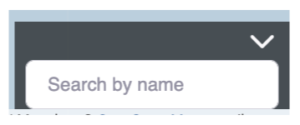
Find a single business: Type its name in the box, bottom right corner inside the map, and Enter.
Enter your zipcode in the "Your Zip" box below the map and click Search to show all members in the category. The target icon at the far left allows you to choose a radius.
Hover over a virtual business card below the map to locate the business on the map. Its leaf marker will move up and down. Click a leaf marker in the map to reveal the name of the business. Click the info box to see all details.
Advanced search: Click the gear icon at the far right of the Search bar. Specify: Membership Level, Certification (e.g.,MCL, MCN, MCSL), Keywords.